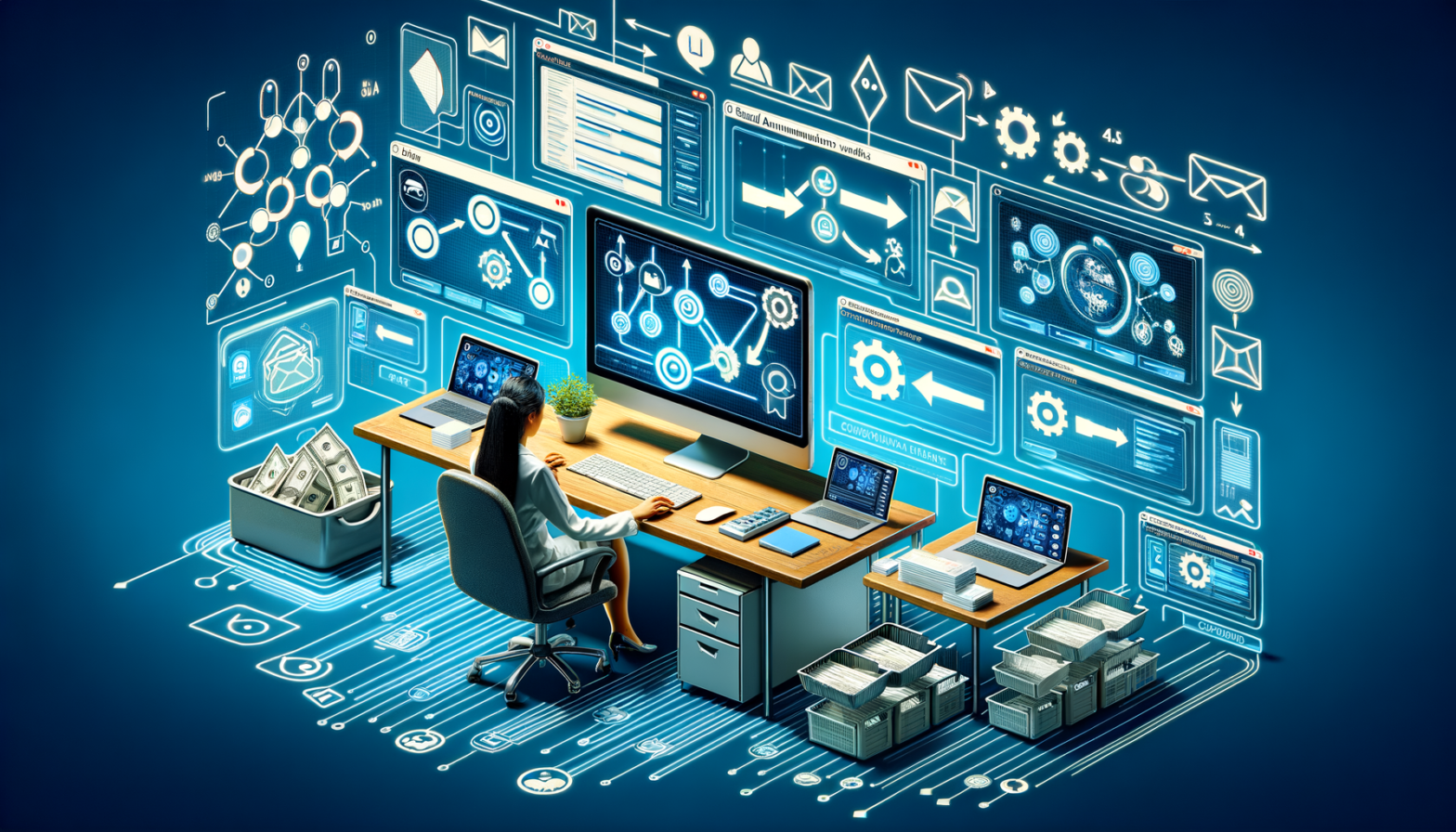
Introduction
Create an Email Automation Workflow That Converts Leads is crucial for businesses looking to convert leads and nurture customer relationships. In this comprehensive guide, we will walk you through the steps to set up automated email sequences, drip campaigns, follow-up emails, and welcome email sequences for maximum impact.
Why Email Automation is Important
Email automation allows businesses to engage with leads and customers at the right time, with the right message, without manual intervention. This leads to increased efficiency, better personalization, and higher conversion rates.
Setting Up an Automated Email Sequence for Leads
One of the key components of email automation is setting up an automated email sequence for leads. This involves creating a series of emails that are sent out automatically based on specific triggers or actions taken by the leads magnets
Case Study: Neha, a Marketing Manager
Problem: Neha struggled to follow up with leads manually, leading to missed opportunities.
Solution: She set up an automated email sequence that sent relevant content to leads based on their interactions.
Result: Neha saw a significant increase in lead engagement and conversions.
Steps to Create an Email Drip Campaign
An email drip campaign is a series of automated emails sent out at predetermined intervals to nurture leads and guide them through the sales funnel. Setting up a drip campaign involves planning the content, defining the triggers, and monitoring the performance.
Automating Follow-Up Emails After Inquiry
Follow-up emails are essential for maintaining contact with leads who have shown interest in your products or services. Automating these emails ensures timely and consistent communication, increasing the chances of conversion.
Real-World Example: Arjun, a Small Business Owner
Problem: Arjun struggled to keep track of follow-up emails, leading to missed opportunities.
Solution: He implemented an automated follow-up email system that sent reminders to leads at specific intervals.
Result: Arjun experienced a higher response rate from leads and closed more deals.
Building a Welcome Email Sequence for Customers
A welcome email sequence is a series of emails sent to customers after they have made a purchase or signed up for a service. This sequence is designed to onboard customers, provide relevant information, and foster loyalty.
Tools for Email Automation
Tool 1: Mailchimp
Overview: Mailchimp is a popular email marketing platform with robust automation features.
Features: Email templates, segmentation, A/B testing, reporting.
Pros: User-friendly interface, integrations with other tools, free plan available.
Cons: Limited customization options on the free plan.
Pricing: Free plan, paid plans starting at $9.99/month.
Best For: Small to medium-sized businesses looking for an all-in-one email marketing solution.
Real Use Case: Riya, a freelancer, uses Mailchimp to automate follow-up emails for her clients.
Tool 2: ActiveCampaign
Overview: ActiveCampaign offers advanced automation features for personalized communication.
Features: Conditional logic, dynamic content, split testing, CRM integration.
Pros: Powerful automation capabilities, great customer support, extensive integrations.
Cons: Higher pricing compared to other platforms.
Pricing: Plans starting at $9/month.
Best For: Marketers and agencies looking for advanced automation features.
Real Use Case: Aarav, a digital marketer, uses ActiveCampaign to create personalized email sequences for his clients.
Conclusion
Implementing an Create an Email Automation Workflow That Converts Leads can significantly improve lead conversion and customer engagement. By following the steps outlined in this guide and using the right tools, businesses can create effective email campaigns that drive results. Remember to write an effective email that converts lead you need to understand how to write email copywriting
You can track key metrics such as open rates, click-through rates, conversion rates, and revenue generated from email campaigns to measure the effectiveness of your automation workflow.
Avoid sending too many emails too frequently, neglecting personalization, and not testing and optimizing your email content and timing.
Yes, segmenting your email list based on demographics, behavior, or interests can help you send more targeted and relevant content to your leads and customers, improving engagement and conversion rates.
Regularly review your email performance metrics, test different approaches, and optimize your automation workflow based on the results to ensure it remains effective and up-to-date.
Focus on providing value to your audience, using clear and concise language, creating a compelling subject line, personalizing the content, and including a clear call-to-action in each email.